Export data
Data may be downloaded from TriplyDB by dataset or by graph. Either way, the export is serialized as TriG (a format that records which graph each triple belongs to) and compressed using gzip.
Datasets and graphs
TriplyDB holds data in a dataset, which contains one or more graphs. Every triple belongs to a graph, so a dataset's triple count is the sum of its graphs'.
Both are exported from the dataset's Graphs page, which you reach with “Graphs” under “Ecosystem” in the left-hand sidebar.
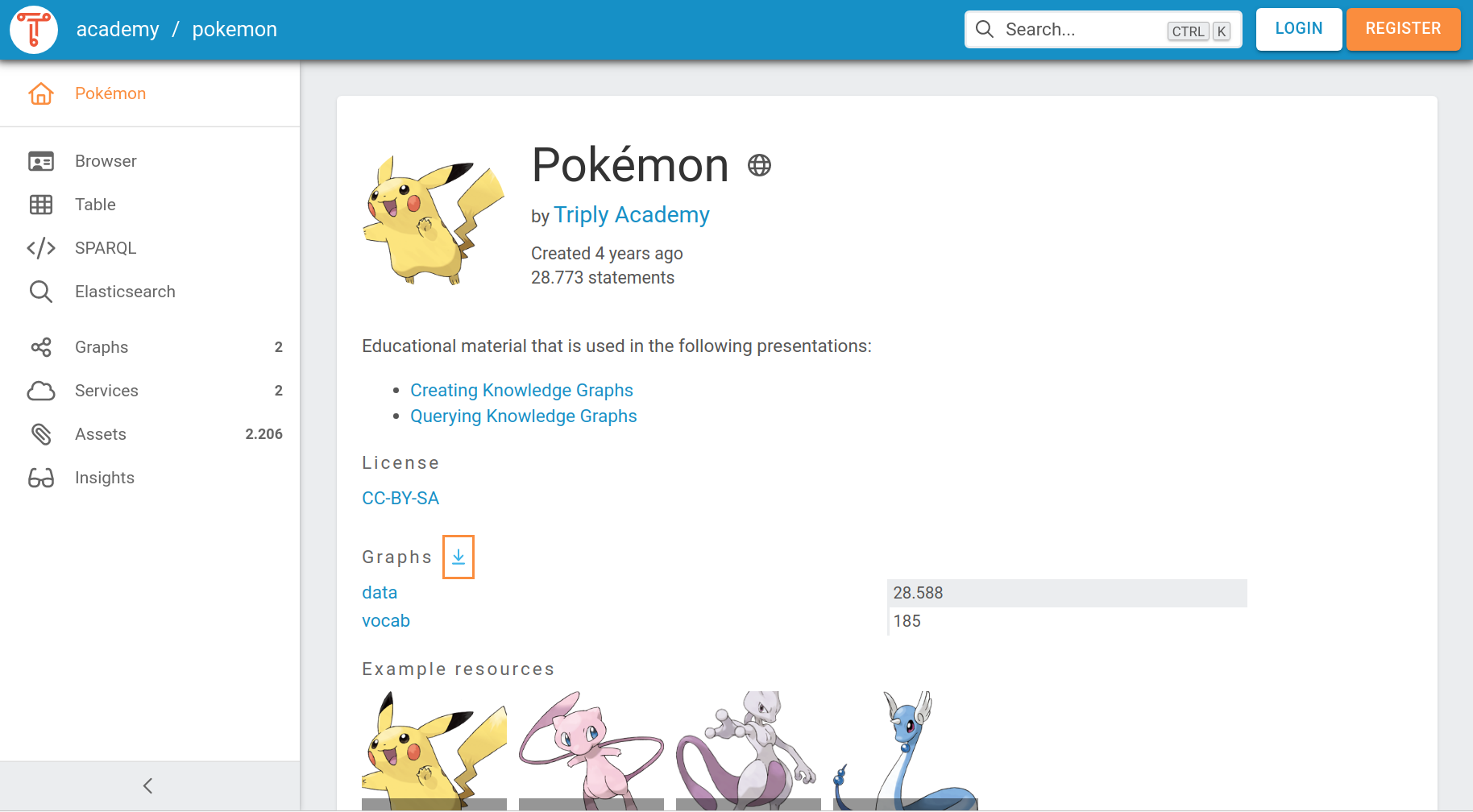
The following screenshot shows the dataset “Pokémon” with two graphs: “data”, holding 28,588 triples, and “vocab”, holding 185. Together they account for the dataset's 28,773.
See TriplyDB at a glance for what datasets and graphs are.
Export a dataset
Open the ⋮ menu beside “Import a new graph” in the top-right corner and choose “Export all graphs”.
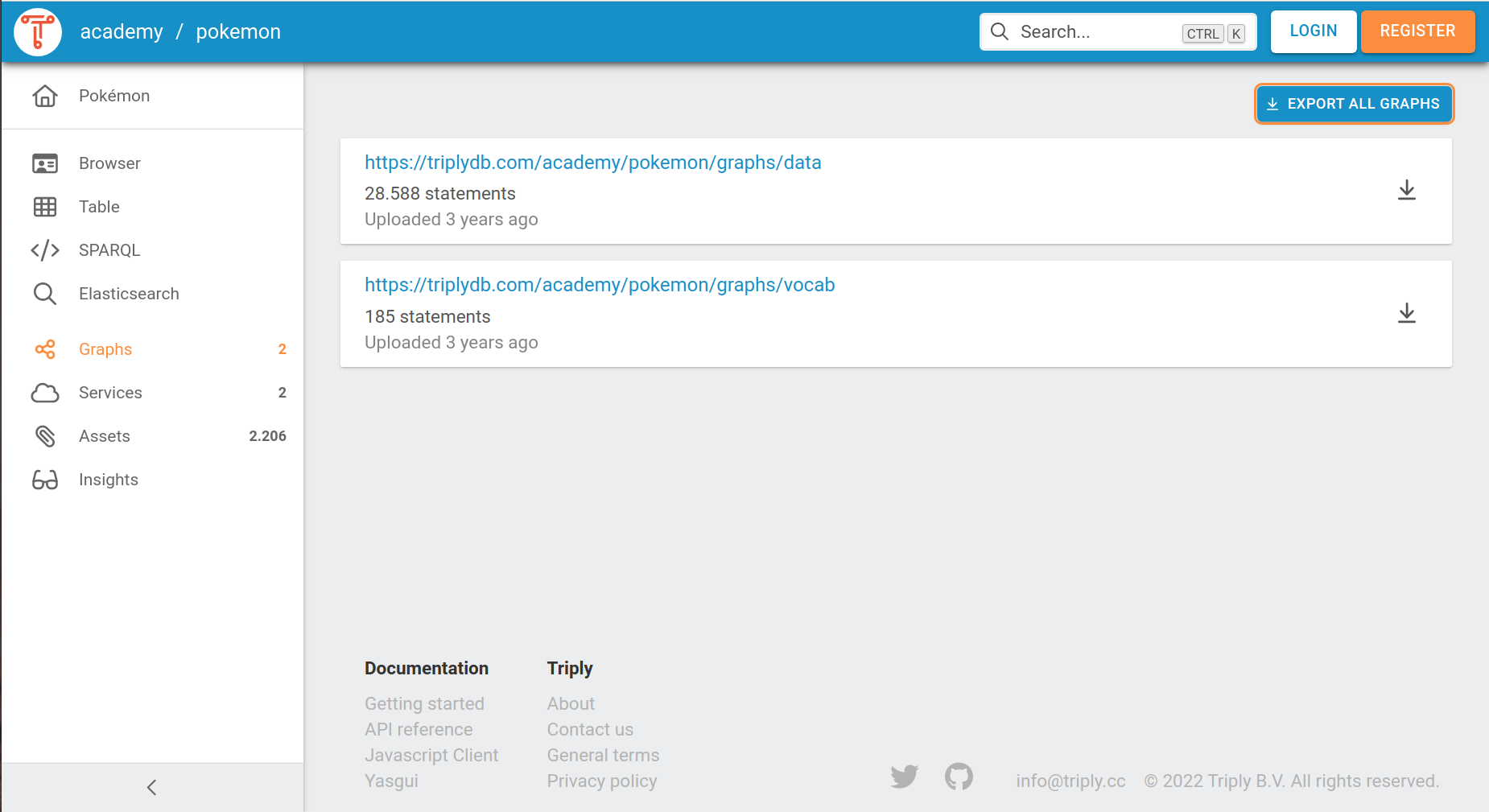
The dataset downloads as a single file named after it — in this example pokemon.trig.gz.
Export a single graph
Click the downward-facing arrow at the end of that graph's row.
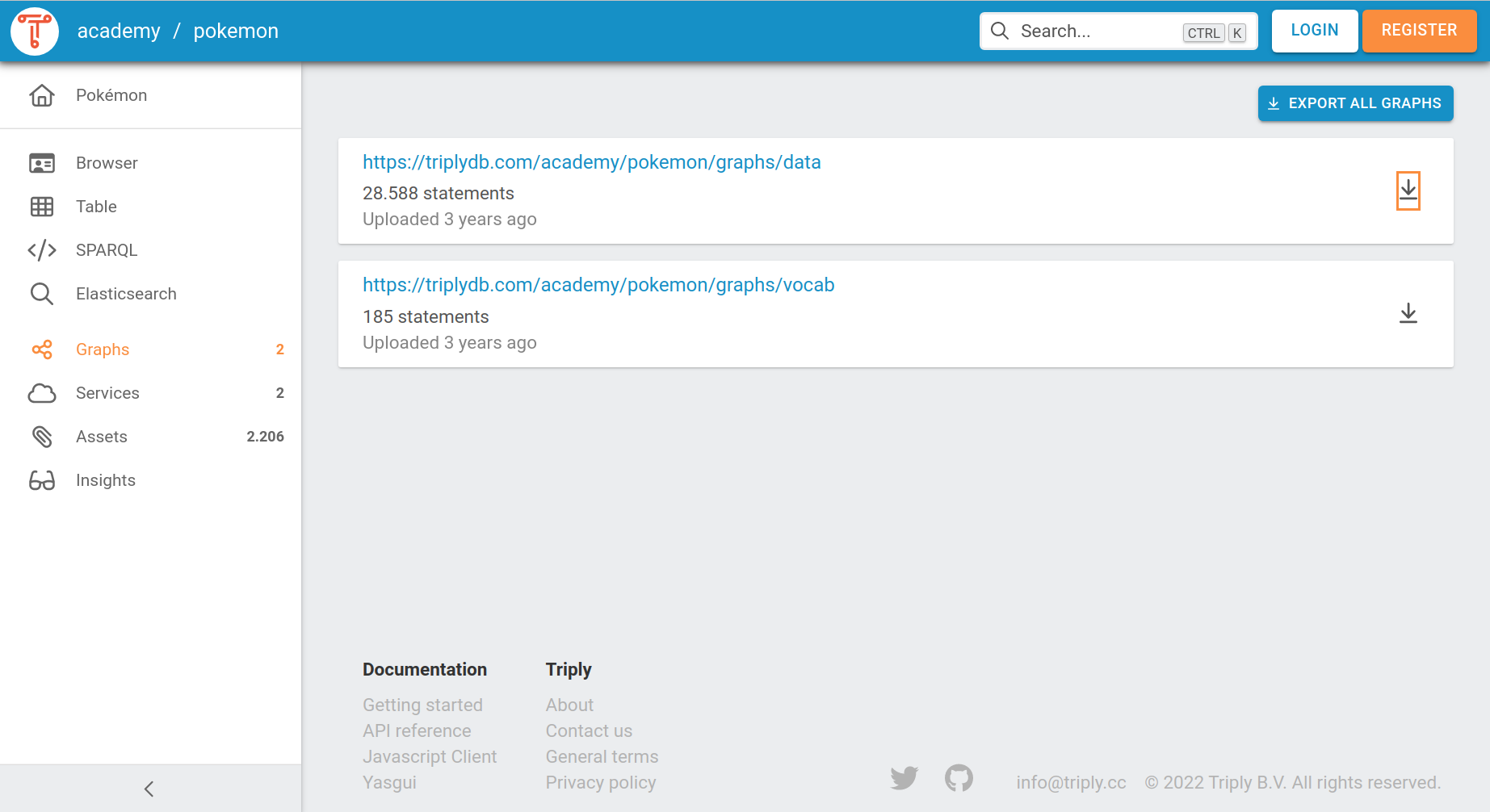
The file is named after the graph rather than the dataset. Graph names make for long filenames —
the example above downloads as https___triplydb.com_academy_pokemon_graphs_data.trig.gz.
Unpack the file
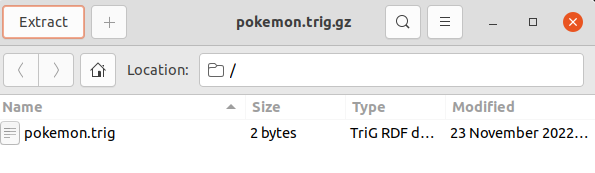
Once the export is in your Downloads folder, double click it so that your operating system's archive tool appears, then choose the file to extract and where it should go.
Related
- Add data — the reverse trip
- Supported file formats — what TriG and the other serialisations are
- Linked data — why the graph column matters