JSON-LD framing
A graph has no beginning. A REST API response does. This tutorial closes that gap: you take a
SPARQL construct query and turn its output into predictable, tree-shaped JSON that any
application can consume — without writing a service in between.
It assumes SPARQL: the basics and construct queries.
Why framing is needed
SPARQL Construct and SPARQL Describe queries can return results in the JSON-LD format. Here is an example:
[
  {
    "@id": "john",
    "livesIn": { "@id": "amsterdam" }
  },
  {
    "@id": "jane",
    "livesIn": { "@id": "berlin" }
  },
  {
    "@id": "tim",
    "livesIn": { "@id": "berlin" }
  }
]
JSON-LD is one of the serialization formats for RDF, and encodes a graph structure. For example, the JSON-LD snippet above encodes the following graph:
The triples in a graph do not have any specific order. In the picture above, the triple about Tim is mentioned first, but that is arbitrary: a graph is a set of triples, so there is no "first" or "last" one. There is no "primary" or "secondary" element either. Persons happen to be drawn on the left and cities on the right, but exactly the same information is expressed by this graph:
Most RESTful APIs, on the other hand, return data with a specific, often tree-shaped structure. For example:
{
  "amsterdam": {
    "inhabitants": [
      "john"
    ]
  },
  "berlin": {
    "inhabitants": [
      "jane",
      "tim"
    ]
  }
}
JSON-LD framing is the standard that gets you from the first to the second. A frame is a deterministic translation from a graph — an unordered set of triples, with no node that is first or special — into a tree, with ordered branches and exactly one root. It is what makes it possible to serve a SPARQL query as a REST API.
You need two things: a construct query and a frame. TriplyDB's saved query API carries a
JSON-LD profiler that applies the frame to the query result and returns plain JSON.
Before you start
You need a dataset you can save queries on — the one from Get started with TriplyDB will do — and an API token for Step 4. See Create an API token.
Step 1: Write the construct query
The query has to produce a graph that stands on its own: self-contained, and carrying the
vocabulary and data the response needs. This one goes further and carries its data in the
construct template itself, under an empty where clause, so it returns the same 18 triples
whichever dataset it is saved on: two objects, a head office with two addresses and a depot with
one, each labelled in English and Dutch.
prefix ex: <https://triply.cc/example/>
construct {
  ex:office a ex:Object;
    ex:label "Head office"@en, "Hoofdkantoor"@nl;
    ex:address ex:address-1, ex:address-2.
  ex:depot a ex:Object;
    ex:label "Depot"@en, "Depot"@nl;
    ex:address ex:address-3.
  ex:address-1 a ex:Address; ex:street "Keizersgracht"; ex:number 391.
  ex:address-2 a ex:Address; ex:street "Prinsengracht"; ex:number 263.
  ex:address-3 a ex:Address; ex:street "Westerdoksdijk"; ex:number 40.
}
where {}
Open your dataset, click SPARQL in the left-hand sidebar, paste the query in and click the
save button. Name the query json-ld-frame. Saving gives it an API URL, starting with api and
ending in run, which the query page shows next to the keyword API:
https://api.triplydb.com/queries/ACCOUNT/json-ld-frame/runACCOUNT is the account that owns the dataset, and the host is your own instance's API host if
you are not on triplydb.com.
A query over real data has a where clause that matches it, and can take API variables, appended
to the URL as ?[queryVariable]=[value]. Three behaviours of such queries catch people out, and
each is easier to recognise than to debug:
optionaland API variables interact badly. An API variable used inside anoptionaldoes not filter the results, so the query returns false positives.unioncan split the result set. The engine exhausts the first branch before starting the second, so the two halves may be disconnected. With a small limit, the result ends up split across two JSON-LD documents and data goes missing from the response.- A page may hold fewer results than
pageSize. The limit applies to thewhereclause, not theconstructclause, so two rows of thewhereresult can condense into a single result. The response size can differ from the page size even when the next page is not empty.
Step 2: Write the frame
A SPARQL query alone cannot express the syntactic shape a JSON consumer needs, which is what the
frame adds. A frame has two parts: a @context and a structure. The full specification is at
w3c.github.io/json-ld-framing.
The @context maps linked data to JSON names. Each key is the name the IRI will take in the
response; each value is the IRI itself. Usually that is a one-to-one mapping to a string. When
the value is an object it must contain at least @id, and may carry modifiers — @type to set
the datatype of the value, or @container to say what kind of container it lands in. The context
can also hold prefixes and vocabulary references.
The structure defines the shape of the response. It normally starts with @type, which is
the most direct way to choose the root node, and is built outwards from there. An empty pair of
braces marks a leaf. To nest a node, name the property that points to another IRI, then describe
that node's properties inside it.
{
  "@context": {
    "addresses": "ex:address",
    "Address": "ex:Address",
    "Object": "ex:Object",
    "street": "ex:street",
    "number": {
      "@id": "ex:number",
      "@type": "xsd:integer"
    },
    "labels": {
      "@id": "ex:label",
      "@container": "@set"
    },
    "ex": "https://triply.cc/example/",
    "xsd": "http://www.w3.org/2001/XMLSchema#"
  },
  "@type": "Object",
  "labels": {},
  "addresses": {
    "street": {},
    "number": {}
  }
}
Step 3: Try the frame on the query page
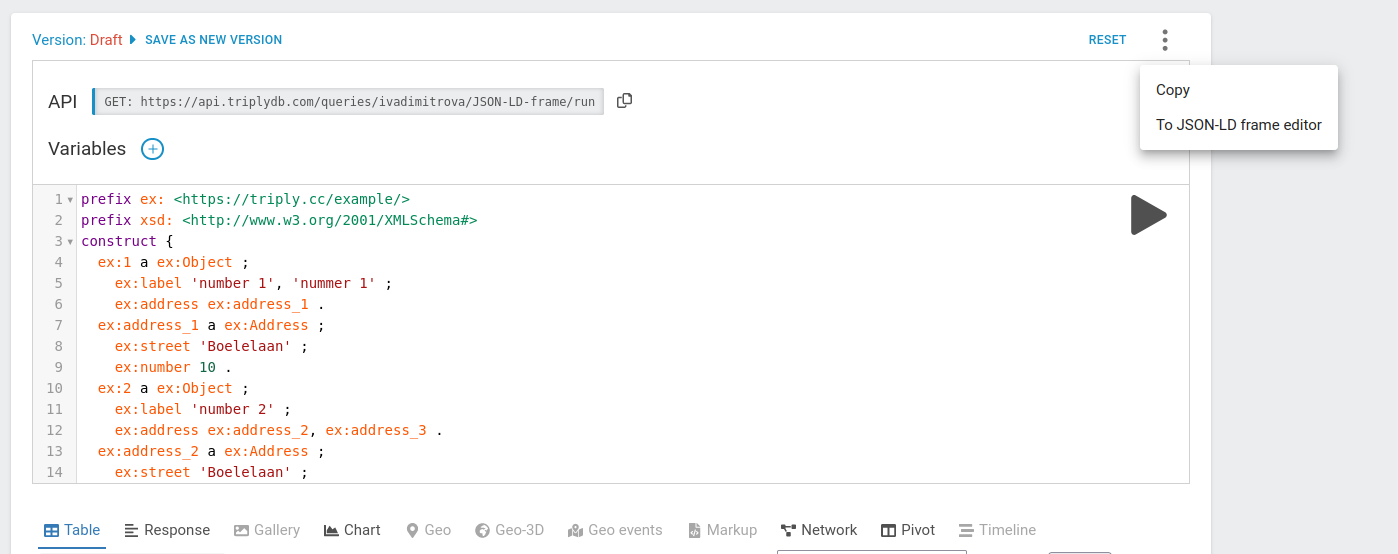
Framing applies to the RDF that a CONSTRUCT query returns, so the LD-Frame editor is offered on the saved query's own page, not in the SPARQL IDE. Open the saved query, run it, and choose "LDFrame" from the list of visualizations.
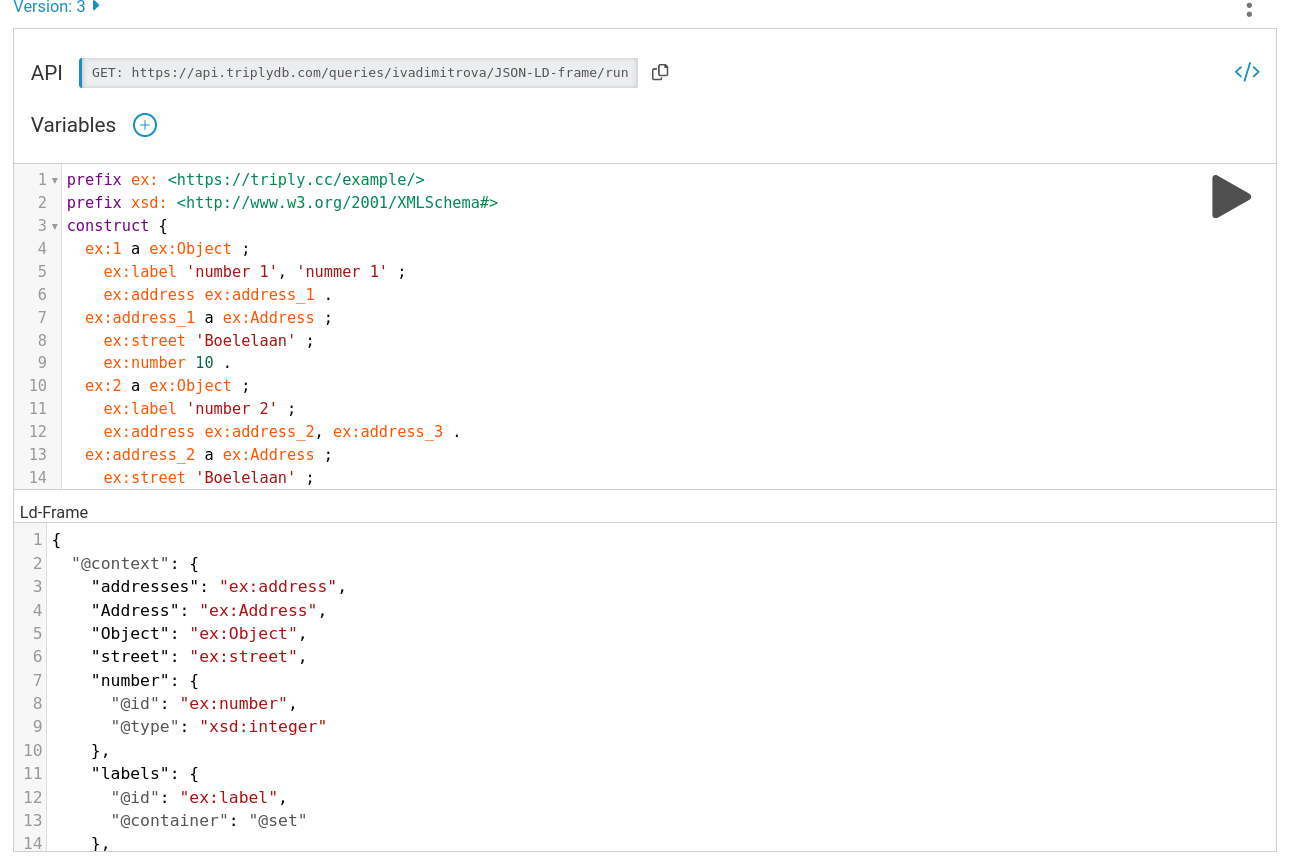
Paste the frame from Step 2 into the JSON-LD Frame editor. The framed output appears below it, under "Framed query results":
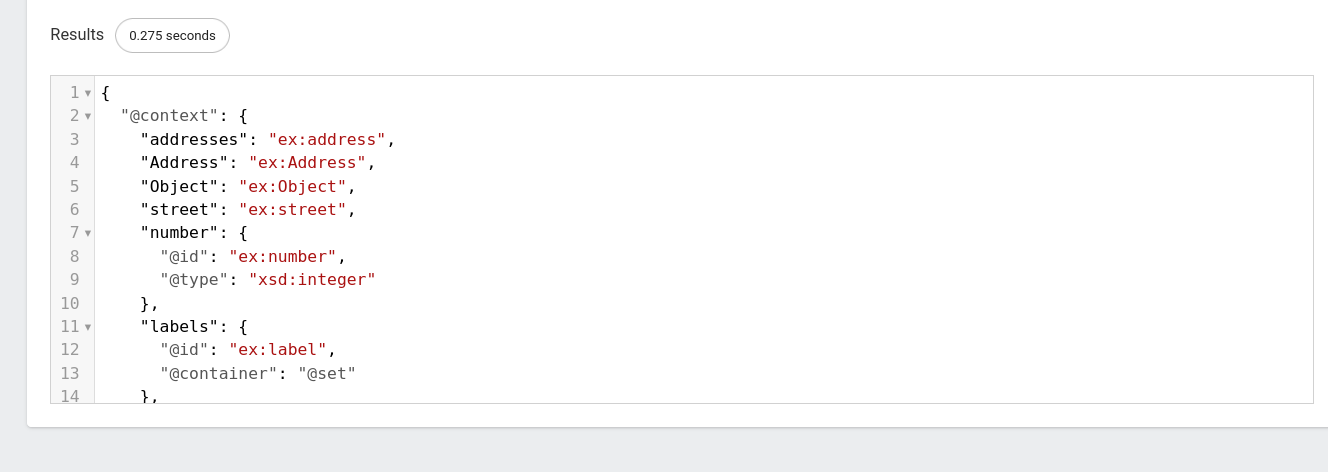
Scroll through the results. Each object is now a node of its own, with its addresses nested inside it:
Step 4: Call the API
Send the same frame as the body of a request to the saved query's API URL. Replace ACCOUNT with
your account name and TOKEN with your API token:
curl -X POST https://api.triplydb.com/queries/ACCOUNT/json-ld-frame/run \
  -H 'Accept: application/ld+json;profile=http://www.w3.org/ns/json-ld#framed' \
  -H 'Content-type: application/json' \
  -H 'Authorization: Bearer TOKEN' \
  -d '{
    "@context": {
      "addresses": "ex:address",
      "Address": "ex:Address",
      "Object": "ex:Object",
      "street": "ex:street",
      "number": {
        "@id": "ex:number",
        "@type": "xsd:integer"
      },
      "labels": {
        "@id": "ex:label",
        "@container": "@set"
      },
      "ex": "https://triply.cc/example/",
      "xsd": "http://www.w3.org/2001/XMLSchema#"
    },
    "@type": "Object",
    "labels": {},
    "addresses": {
      "street": {},
      "number": {}
    }
  }'
Four details matter, and each one produces a different failure when it is wrong:
- It must be a
POST. Only aPOSTcarries a frame in its body. - The
Acceptheader needs both the content type and the framing profile:application/ld+json;profile=http://www.w3.org/ns/json-ld#framed. - The
Content-typedescribes the body, which is the frame, so it isapplication/json. - The
Authorization: Bearer [TOKEN]header is required for internal or private queries. See Create an API token.
The response is the frame's @context followed by an @graph holding one object per
ex:Object:
{
  "@context": { … },
  "@graph": [
    {
      "@id": "ex:depot",
      "@type": "Object",
      "addresses": {
        "@id": "ex:address-3",
        "@type": "Address",
        "number": "40",
        "street": "Westerdoksdijk"
      },
      "labels": [
        { "@language": "en", "@value": "Depot" },
        { "@language": "nl", "@value": "Depot" }
      ]
    },
    {
      "@id": "ex:office",
      "@type": "Object",
      "addresses": [
        {
          "@id": "ex:address-1",
          "@type": "Address",
          "number": "391",
          "street": "Keizersgracht"
        },
        {
          "@id": "ex:address-2",
          "@type": "Address",
          "number": "263",
          "street": "Prinsengracht"
        }
      ],
      "labels": [
        { "@language": "en", "@value": "Head office" },
        { "@language": "nl", "@value": "Hoofdkantoor" }
      ]
    }
  ]
}
Notice the difference between labels and addresses. labels is declared with
"@container": "@set", so it is an array even where there is one value. addresses is not, so
the depot's single address comes back as an object and the office's two as an array — the kind of
irregularity a client has to code around, and which one more @container in the context removes.
What you now have
A SPARQL query that behaves like a REST endpoint: a stable URL, plain JSON out, and a shape that will not change because the underlying triples came back in a different order.
Related
- Build a RESTful API — the same technique, applied end to end
- SPARQL: construct and federation — the query form this depends on
- Work with saved queries — saving the query the frame runs against