Saved queries
Look-up material. For the procedures, see Work with saved queries and Paginate SPARQL results.
URL patterns
ACCOUNT, QUERY and VERSION are the names and numbers you chose.
| Purpose | Pattern |
|---|---|
| Query page, latest version | https://triplydb.com/ACCOUNT/-/queries/QUERY |
| Query page, specific version | https://triplydb.com/ACCOUNT/-/queries/QUERY/VERSION |
| Run the query (RESTful API) | https://api.triplydb.com/queries/ACCOUNT/QUERY/run |
| Metadata for one query | https://api.triplydb.com/queries/ACCOUNT/QUERY |
| Metadata for all queries of an account | https://api.triplydb.com/queries/ACCOUNT |
| Metadata for all saved queries | https://api.triplydb.com/queries |
A query URL without a version number resolves to the latest version, so its results change whenever someone saves a new one.
Pagination arguments
Both apply to the run endpoint.
| Argument | Meaning | Default | Maximum |
|---|---|---|---|
page |
Which page of the result set to return | 1 | None — an out-of-range page returns an empty page |
pageSize |
Results per page | 100 | 10,000 — a higher value returns an error |
For example:
https://api.triplydb.com/queries/academy/pokemon-color/run?page=3&pageSize=100Responses follow RFC 8288 and carry a link
header with next, prev and first.
Limits
| Limit | Value |
|---|---|
| Results in a single result set | 10,000 |
Maximum pageSize |
10,000 |
Maximum page |
None |
The 10,000 is a transport limit rather than a query limit: the query matched everything, and one response carries only the first 10,000. See Paginate SPARQL results for retrieving the rest.
Result formats
Which file format a download produces depends on the visualisation selected on the query page.
| Visualisation | Downloaded format |
|---|---|
| Table | .csv |
| Response | .json |
| Gallery | Download not supported |
| Chart | .svg |
| Geo | Download not supported |
| Geo-3D | Download not supported |
| Geo events | Download not supported |
| Markup | .svg, .html |
| Network | .png |
| Timeline | Download not supported |
The downloaded file is named after the query, with the extension of the chosen format.
Metadata fields
| Field | Set by | Notes |
|---|---|---|
| Title | You | Free text |
| Description | You | Free text |
| Access level | You | Decides who can open the URL, and who needs a token to call the API |
| Version | System | The version currently shown |
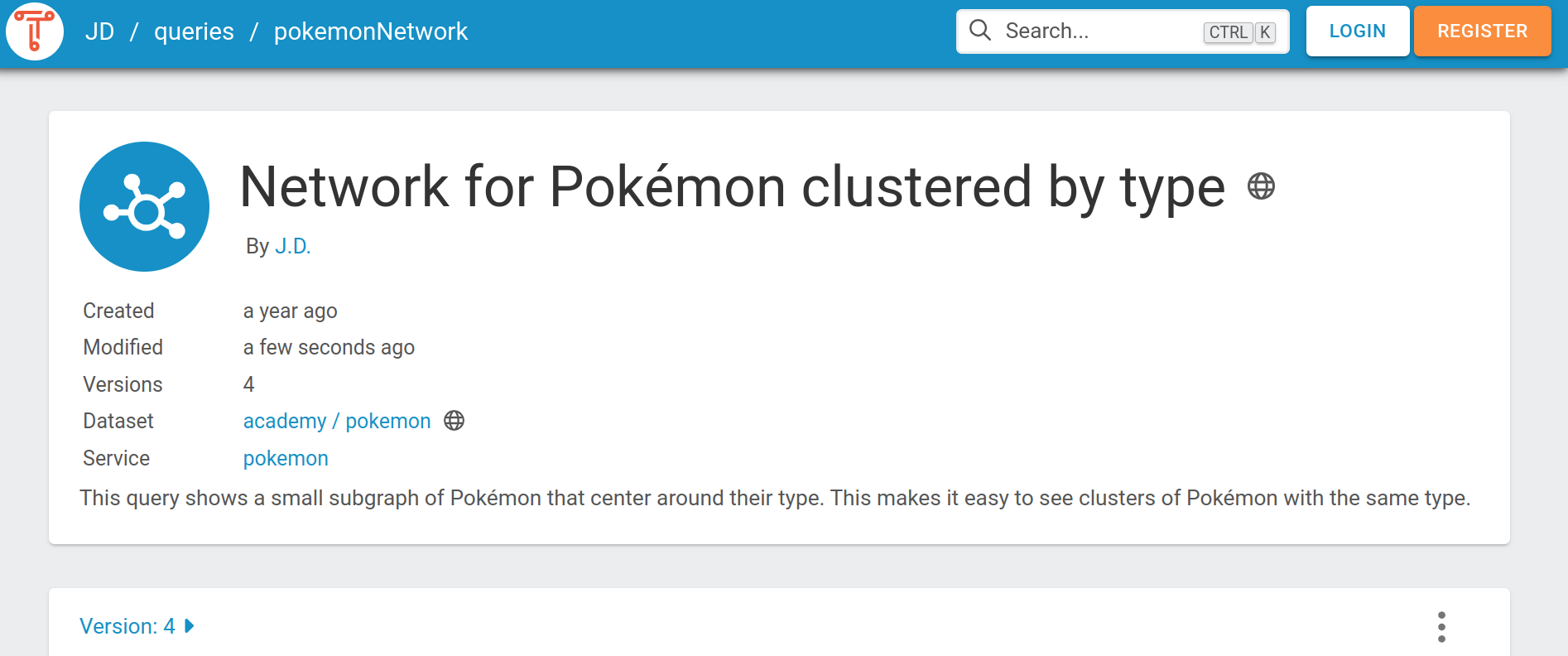
| Dataset | System | Links to the dataset homepage |
| Service | System | Links to the services page containing that service |
GRLC annotations
When retrieving the query text, some metadata may be included in the GRLC annotation format.
Annotations start with a hash and a plus sign (#+), which makes them SPARQL comments, ensuring
that the annotated query is still valid SPARQL. See the
GRLC project for the format in general.
The annotations TriplyDB documents:
| Annotation | Meaning |
|---|---|
description |
What the query is for, what it returns, or the process it belongs to |
endpoint |
The URL of the SPARQL endpoint queries are sent to |
endpoint_in_url |
Whether the endpoint URL can be set through the API. false by default in TriplyDB |
Retrieving the query text
Ask for the text/plain content type to get the query string together with its annotations:
curl -L -H 'Accept: text/plain' 'https://api.triplydb.com/queries/JD/pokemonNetwork'The response is as follows:
#+ description: This query shows a small subgraph from the Pokemon dataset.
#+ endpoint: https://api.triplydb.com/datasets/academy/pokemon/services/pokemon/sparql
#+ endpoint_in_url: false
prefix vocab: <https://triplydb.com/academy/pokemon/vocab/>
construct {
  ?pokemon vocab:type ?type .
}
where {
  ?pokemon vocab:type ?type.
}
offset 0
limit 100
Where a saved query can be used
The same query object is reachable from four directions, and it is the same object in all of them — a new version saved in the IDE is at once the version these see, unless they pinned one:
| From | How |
|---|---|
| A browser | The query URL |
| Any HTTP client | The RESTful API run endpoint |
| TriplyDB.js | account.getQuery() |
Related
- Work with saved queries — saving, versioning, sharing, deleting
- Paginate SPARQL results — getting past the 10,000 limit
- HTTP API — the rest of the TriplyDB API
- TriplyDB OpenAPI documentation — the interactive reference